If a guest calls to modify the reservation which is already made, you have different options to do it. One option is to use the button „Go to Inbox“ at the start screen:

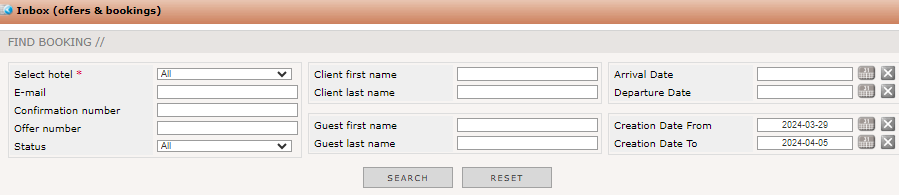
After you pressed it, you may enter the required data into the appearing window:

Sometimes, the reservation was done some weeks ago, you should delete the creation date. Otherwise, the reservation or offer cannot be found caused by the limited time range you are searching in. Be aware of entering too many parameters which may also limit the results. After entering the necessary filters, you have to click „Search“ to start the process. The results were shown directly below:
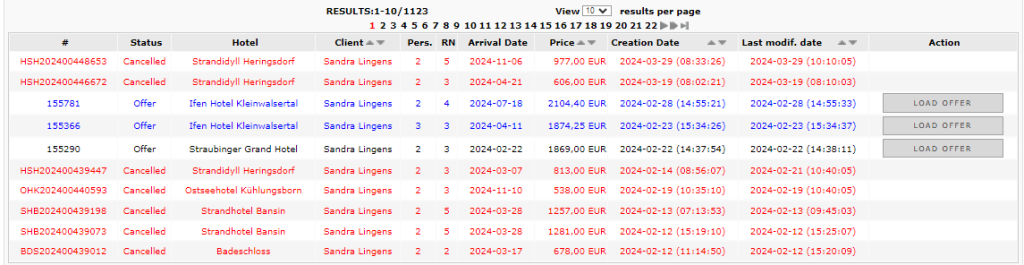
As you can see, there are different types of results. You will find reservations, cancellations and offers as well. Offers can be load up again by pressing the button „Load offer“. You will be lead directly into the booking process.
If you want to modify a reservation, you press the „Modify“ button at the end of the line:
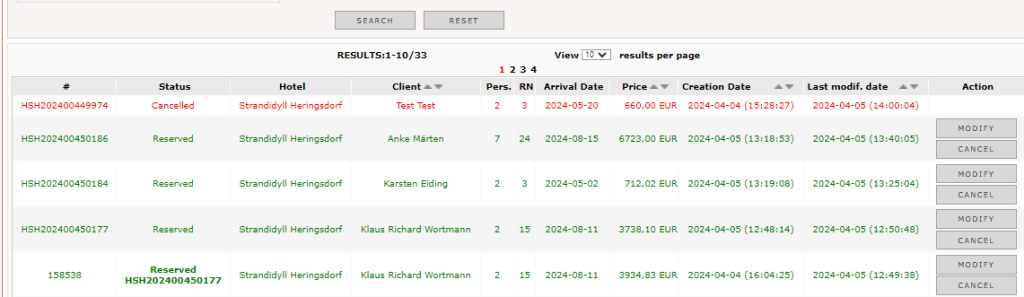
You were directly lead into the reservation step where you choose the number of rooms, arrival and departure date and the number of guests staying in the room. All this details may be modified and also the room and / or rate plan can be changed. After all modifications are done, the booking process is the same as already described above.
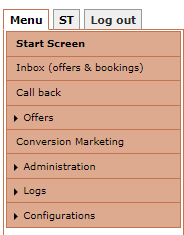
Another possibility to find a reservation which needs to be modified is to use the „Inbox“ menu on the left hand side:
It will open the same screen to enter the searching parameters:
To confirm or modify an offer, you should choose the „Offer“ menu on the left hand side:
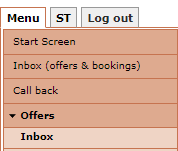
Here, you will enter also all necessary filters in the application:

After you have entered the offer ID or client name und click „Go“ to start searching the offer. All results were listed below:
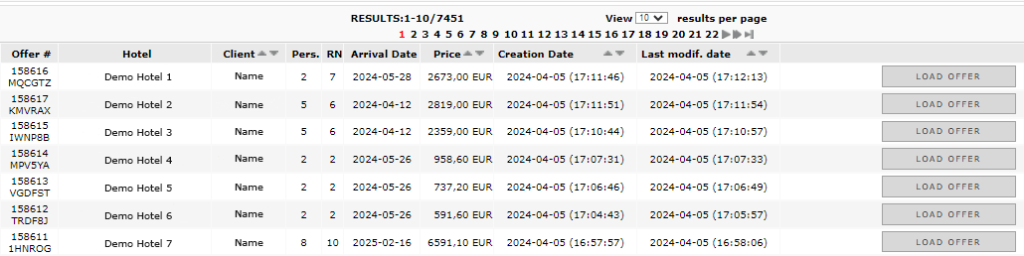
Press the button „Load offer“ to open the reservation step and proceed with the booking.