As explained already, it is also possible to create and modify offers in phoneNG. If a guest would like to change an offer, the reservation agent may use the „Offers“ => „Inbox“ to search for it. The offer ID or guest name should be entered. Press „Go“ to start searching:

The results will be shown directly below:
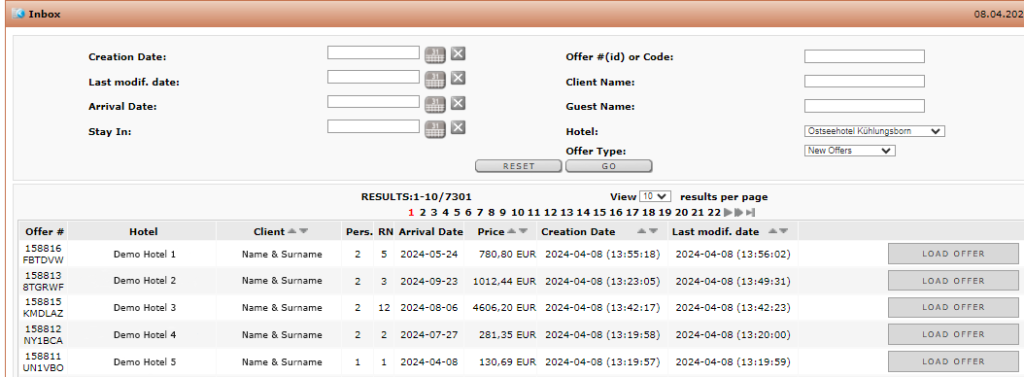
At the end of the lines you can see the „Load offer“ button. After pressing this one, you will lead directly into the reservation process where you choose the stay date, the room and rate offer:
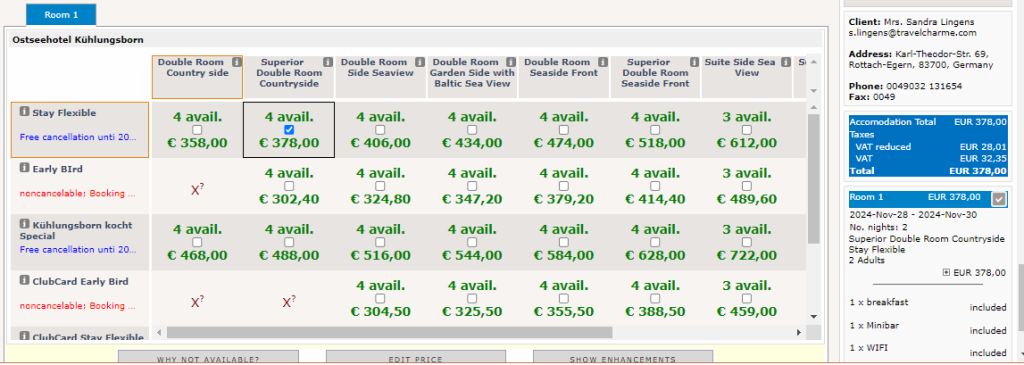
In this step, you may modify the initial offer and send a new one or book directly.