To find the reservation which should have been cancelled, the reservation agent has to open the Inbox and enter the guest name or the confirmation number. Afterwards, the reservation will be shown and at the end of the line, you may find the „Cancel“ button as well:
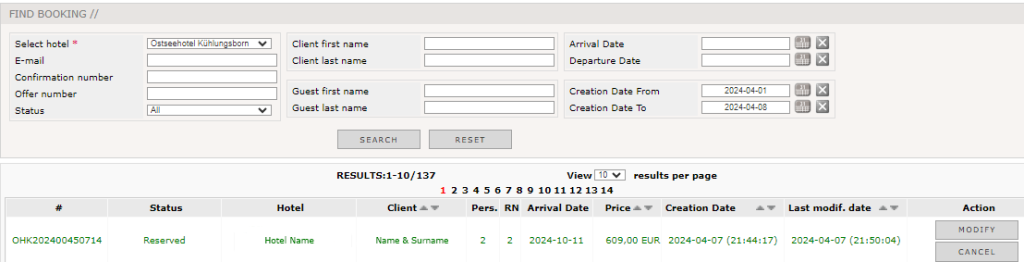
After you pressed the button, a window appears with several cancellation reasons.
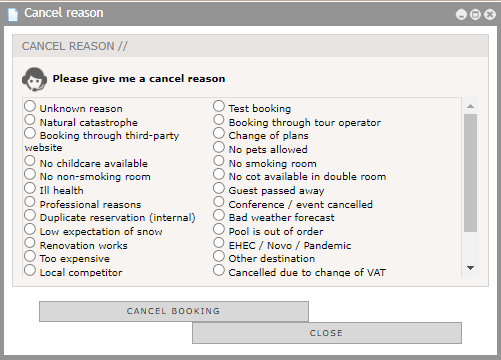
Here, you will choose the correct one or the one which fits most and confirm the cancellation with the „Cancel Booking“ button. The reservation agent has to confirm that the reservation should really be cancelled and afterwards the cancelation is confirmed:
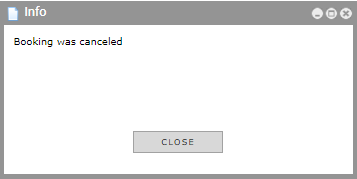
The guest and the hotel will get a cancellation confirmation in case this is configurated inside rezNG. There the cancellation number is mentioned.